
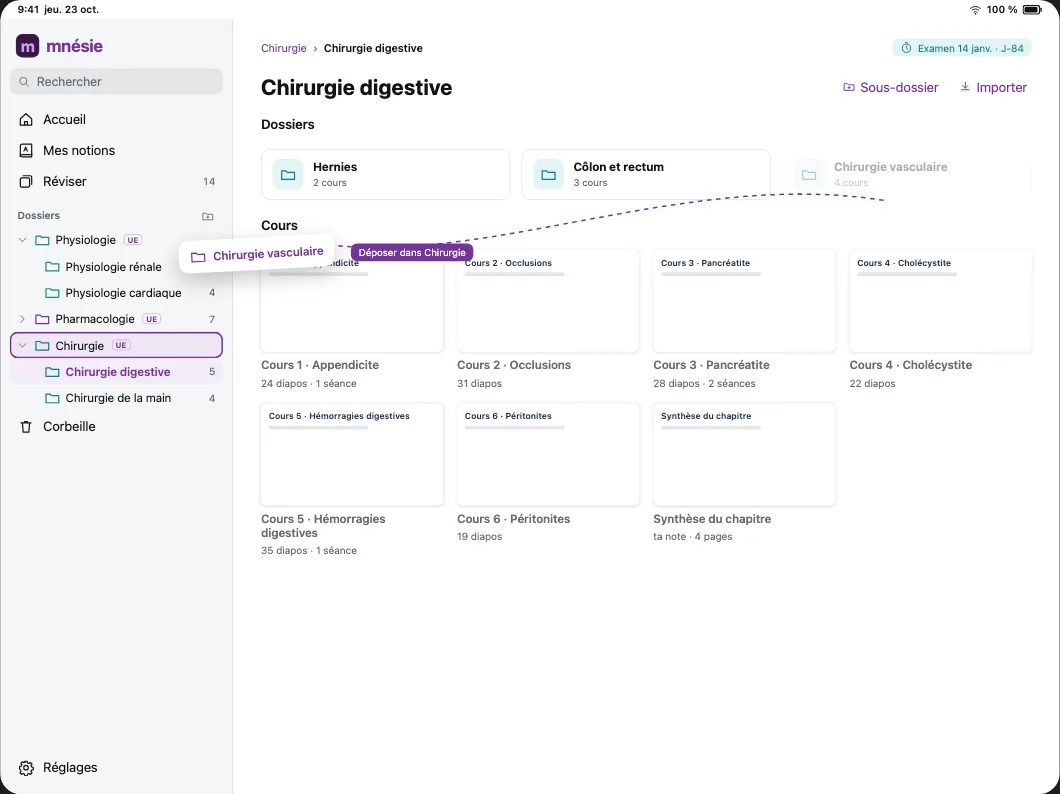
Your lectures, organised.
Folders inside folders, with a colour and the exam date for each subject.
Write
Your PDFs organised, your tools at hand, and your pages wherever you want.
Folders inside folders, with a colour and the exam date for each subject.
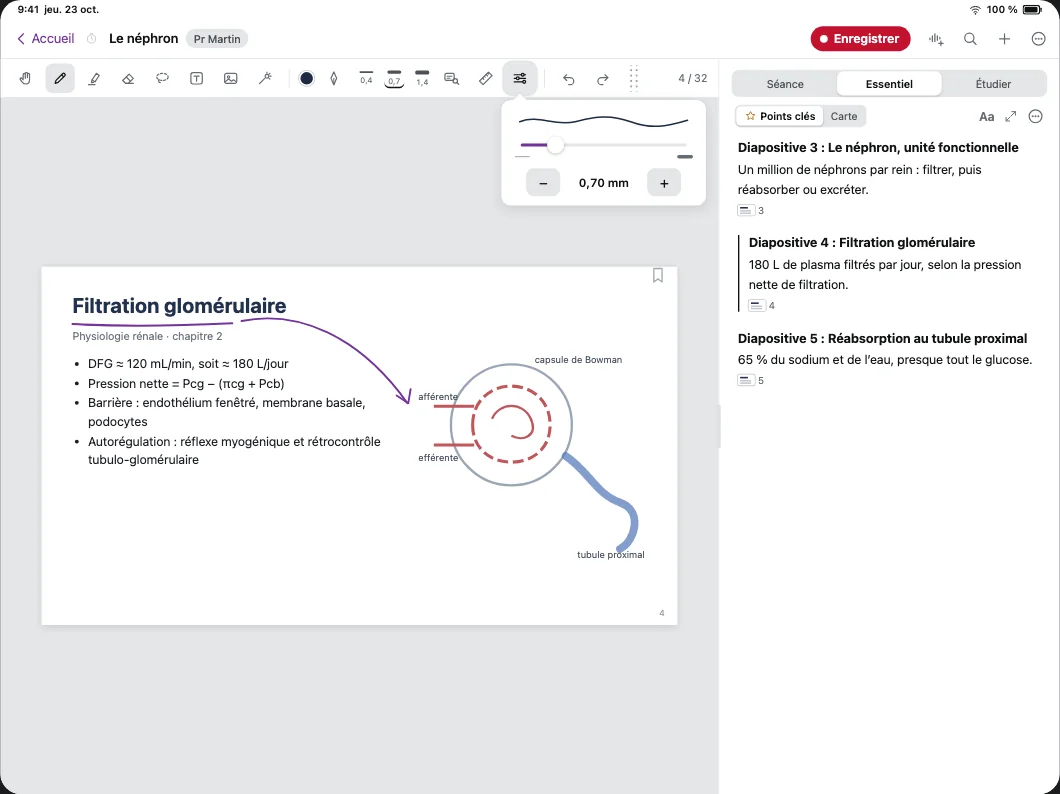
Width, colour, tip: the pen keeps its settings, the highlighter keeps its own.
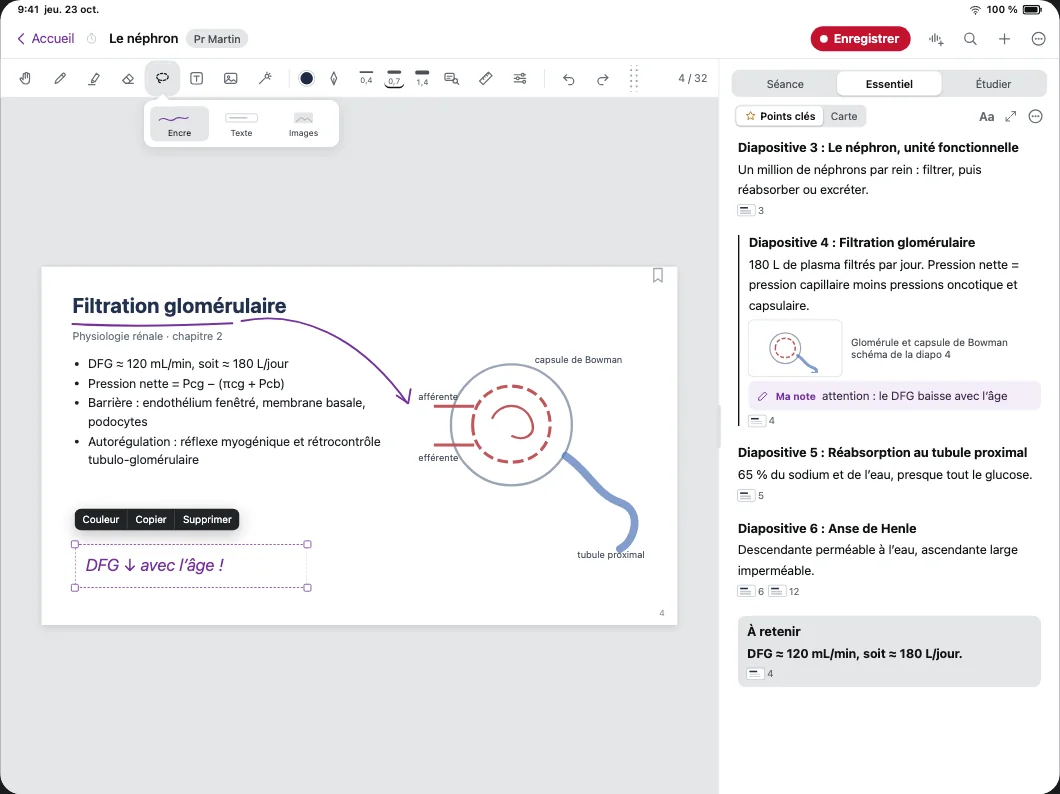
The lasso picks up your ink, text and images, then moves, copies or recolours them.
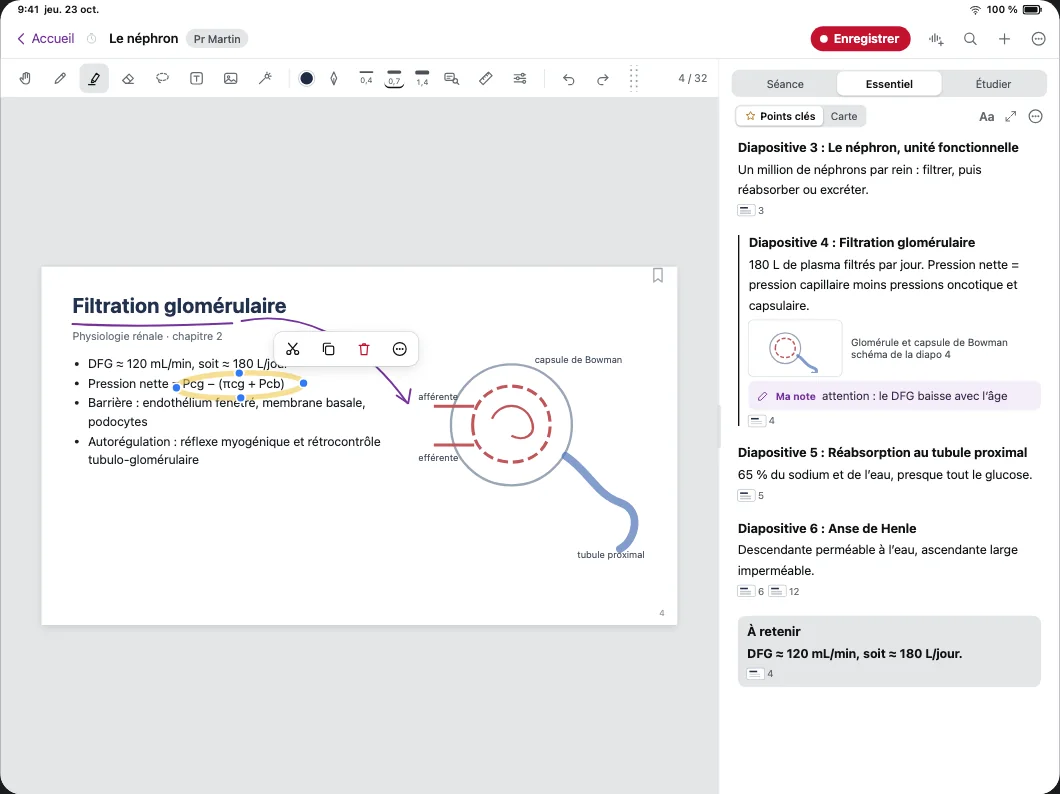
Hold the pen at the end of the stroke: the circle or arrow straightens itself.
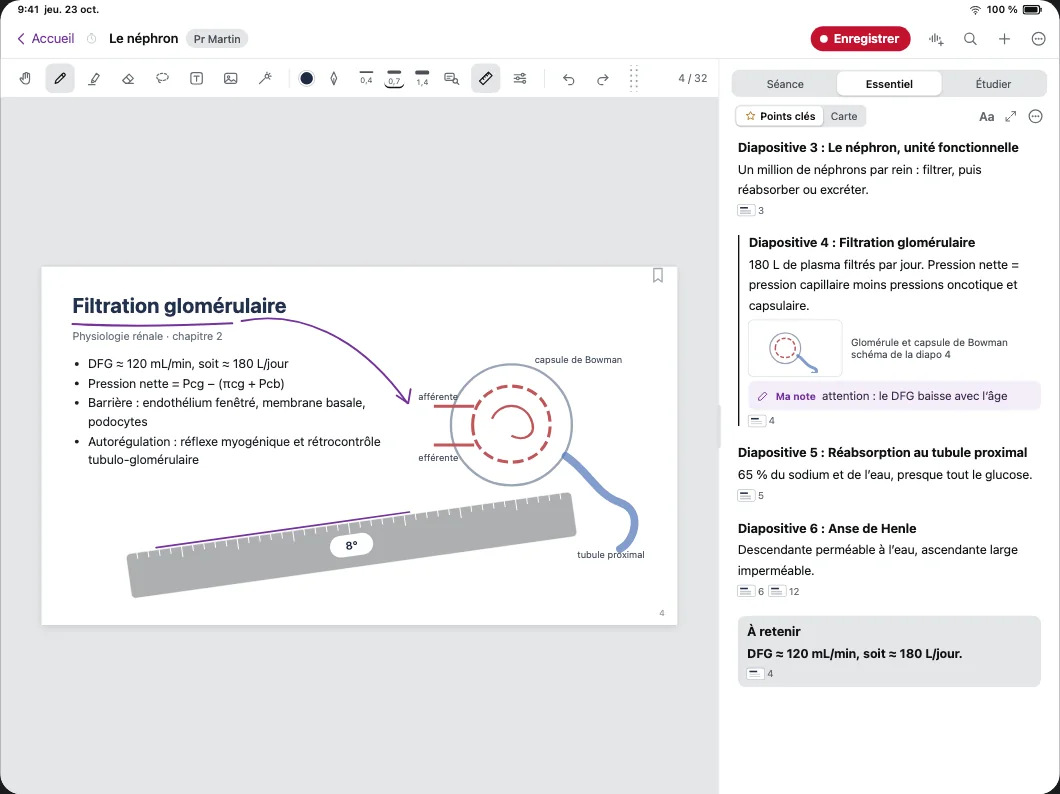
The ruler sits on the slide and your stroke follows its edge.
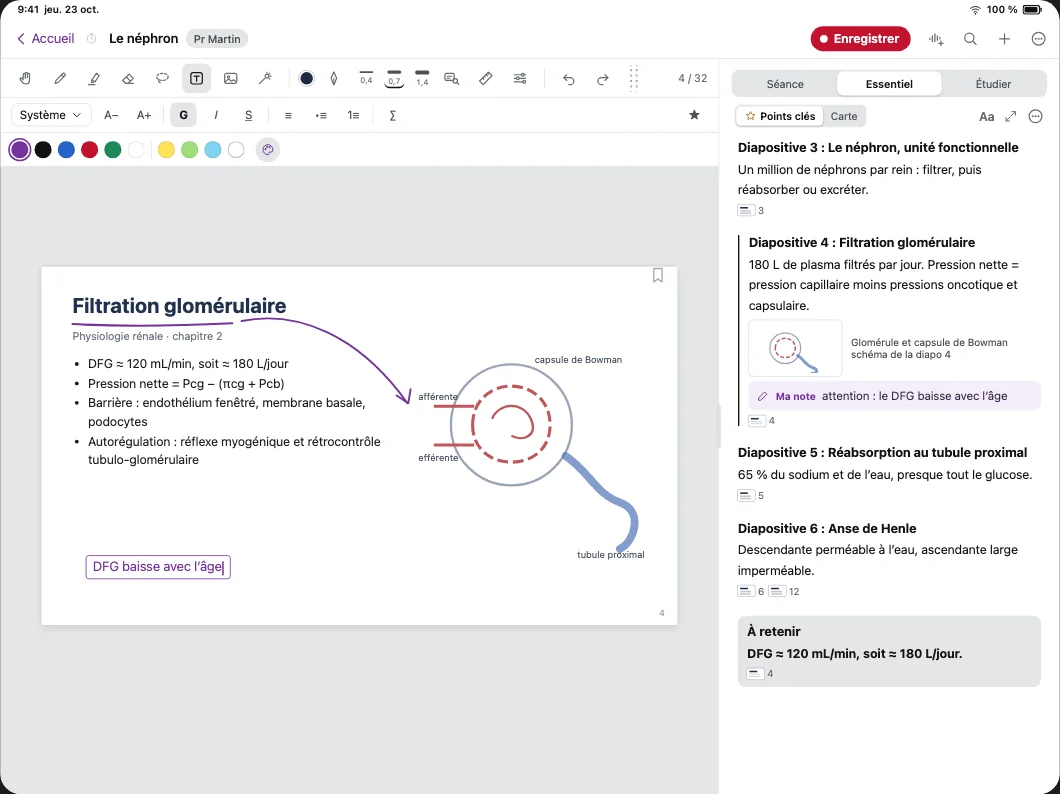
Typed text wherever you want, with its size, colour and background.
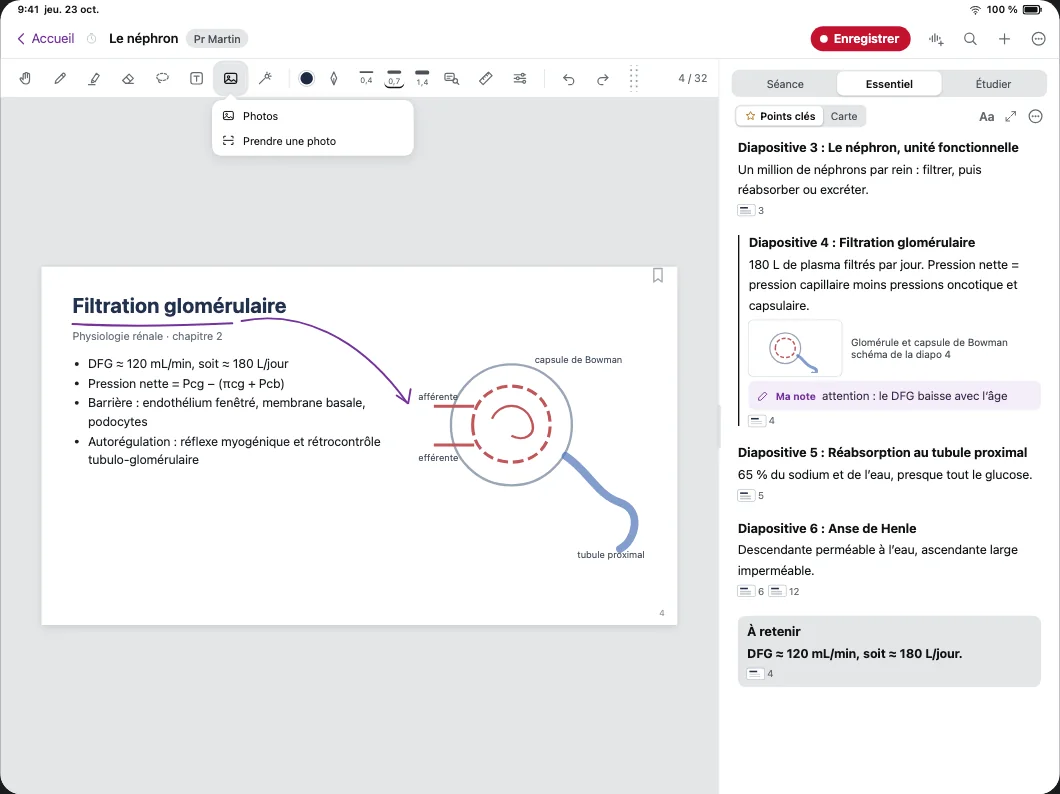
The diagram from the board or the page from the book, right next to the slide it belongs to.
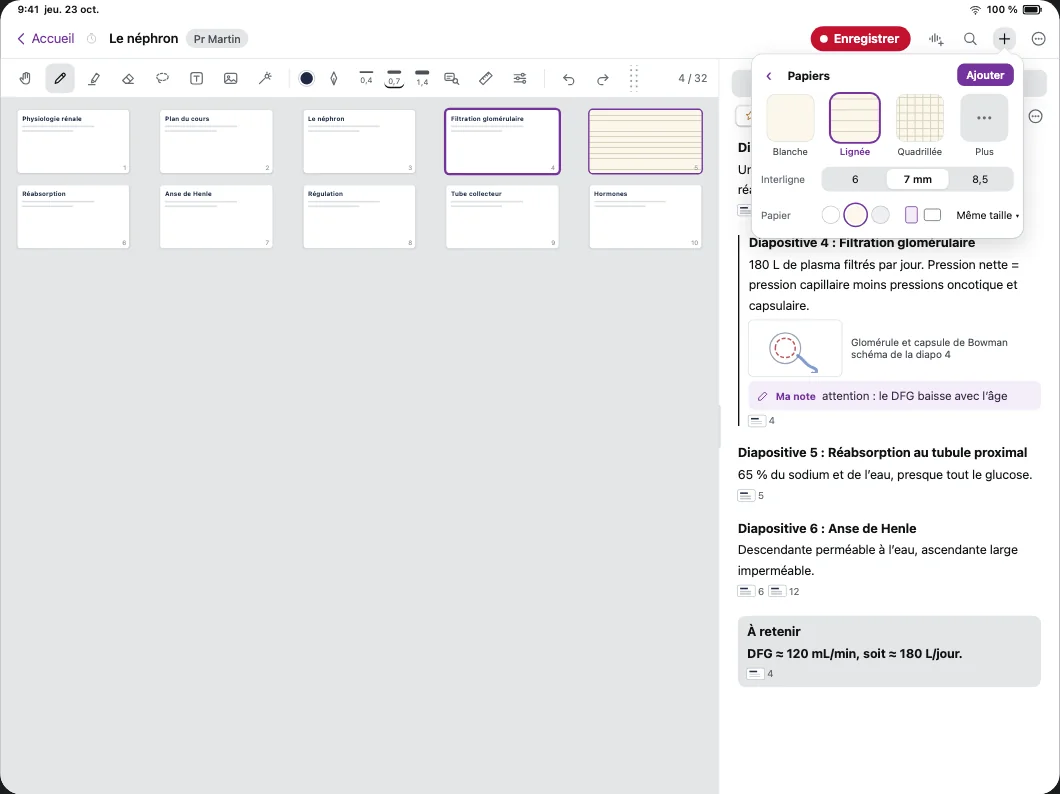
Lined, grid or blank: add pages to the lecture with the paper you like.
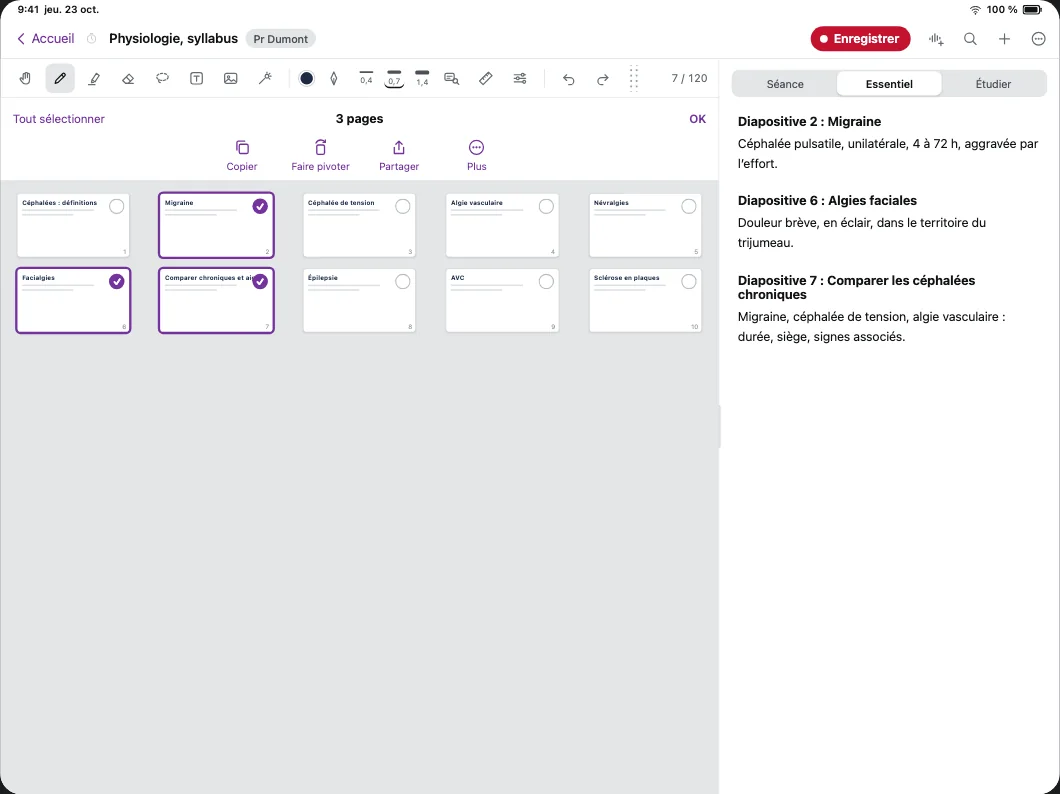
Pick pages, copy them, paste them into another lecture with their notes.
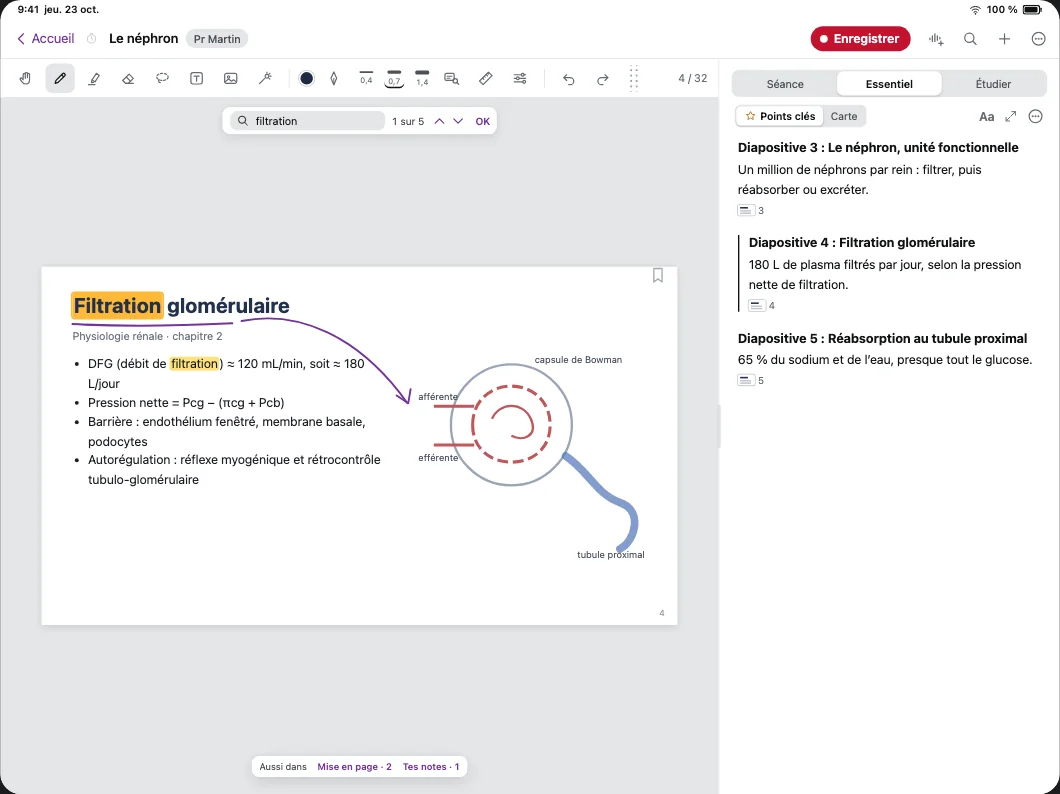
One word, and every page where it appears lights up.